What is grouping ID?
A Grouping ID can be used to group workspaces which are created as per scope/work-stream/perspectives associated with a project.
It can also be used to group workspaces based on a common theme, office location or project manager. For instance - ESG, Payments, India Office, Alex's Team
Grouping Workspaces with GroupingID helps with better organization and management across various work streams and scopes.
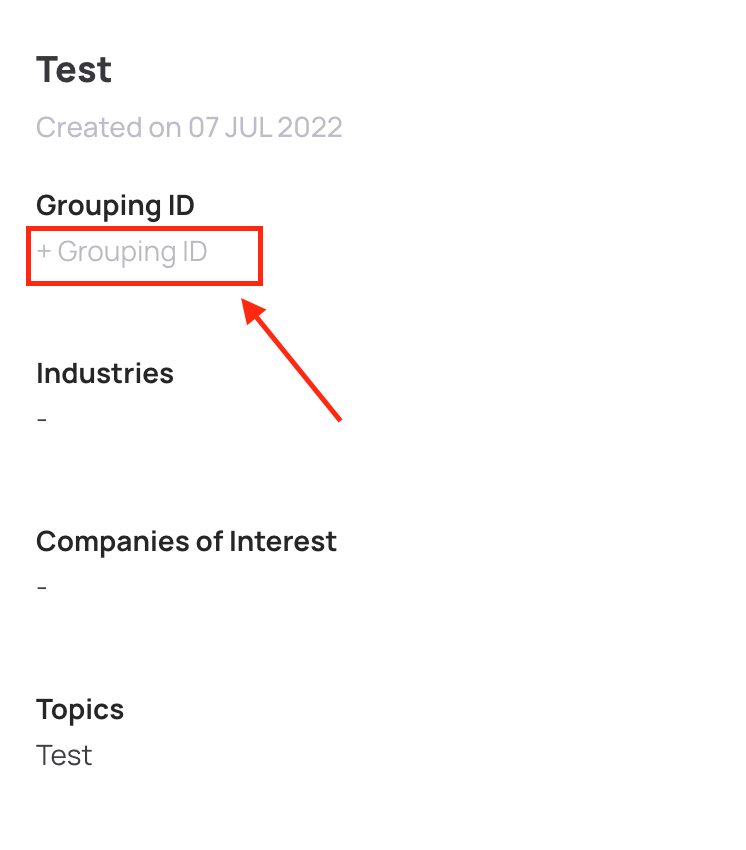
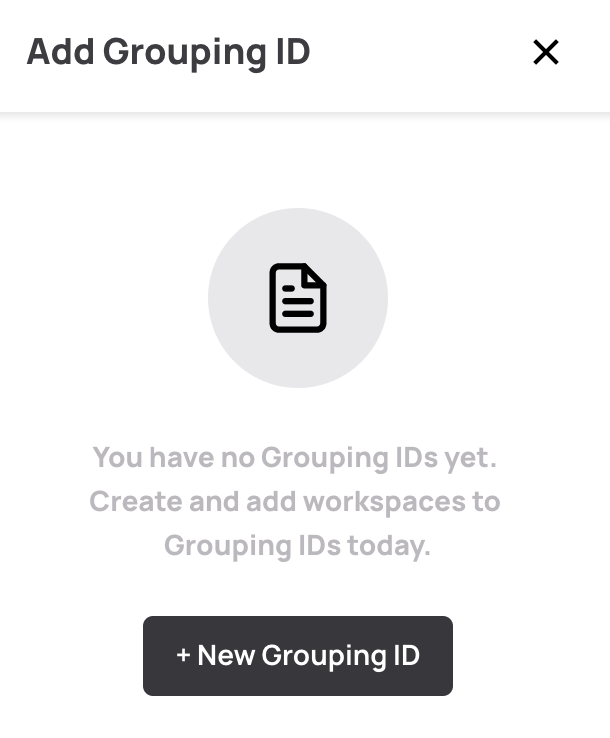
Adding a Grouping ID:
A Grouping ID can be added to a project from the overview tab of a workspace OR from the Workspaces tab for existing projects.
Editing a grouping ID:
The name of the grouping ID can be edited by using the edit icon under the GroupingID column - editing a grouping ID will change the name of the grouping ID in all workspaces that it is currently being used in.
Deleting a Grouping ID:
To delete a grouping ID, the delete icon can be used under the GroupingID column - deleting a grouping ID will delete the grouping ID permanently and ungroup all the workspaces that were grouped together using the ID.
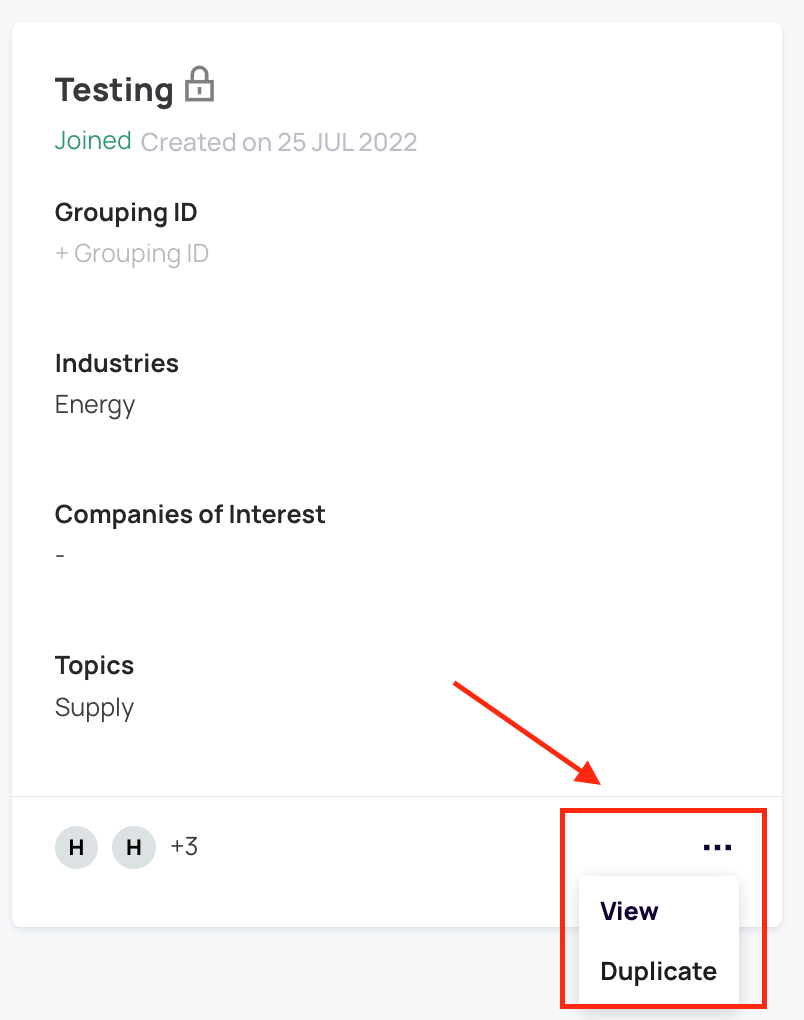
How do I use the duplicate workspace feature?
The Duplicate workspace feature can be used from the workspaces tab or from the overview tab of a particular workspace.
Duplicating a workspace will copy over all the information in the overview section including the grouping ID of the original workspace and create a new workspace. The new workspace can then be edited as per the projects requirement.
Comments
0 comments
Article is closed for comments.