User(s) can request to join a workspace which is set to 'Share Mode' by:
1. Clicking on the “...” near the workspace name on the workspaces page and then selecting “Join”
2. Clicking "Request to Join" within various tabs inside the workspace. 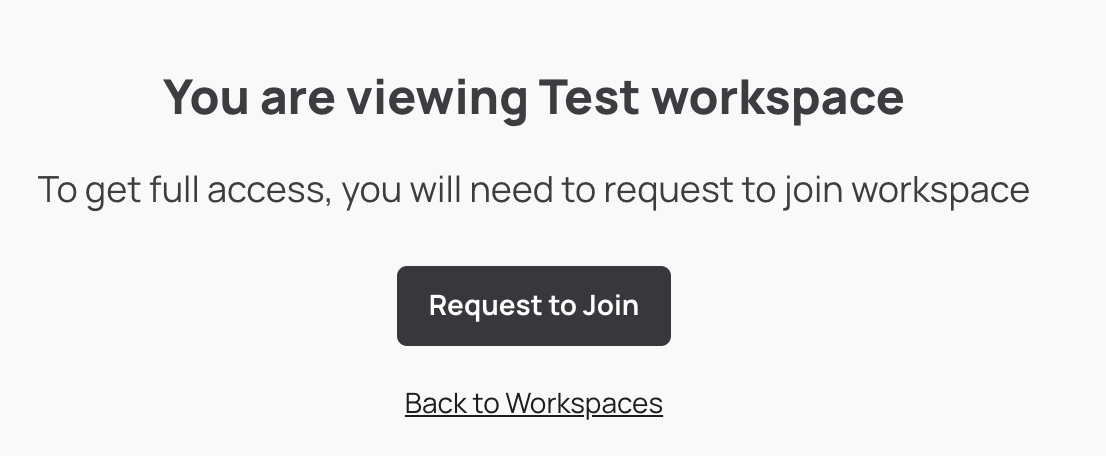
Users will have the option to add a note for the Workspace Owner while submitting their request to join, to provide explaination of why they would like to do so.
Comments
0 comments
Article is closed for comments.