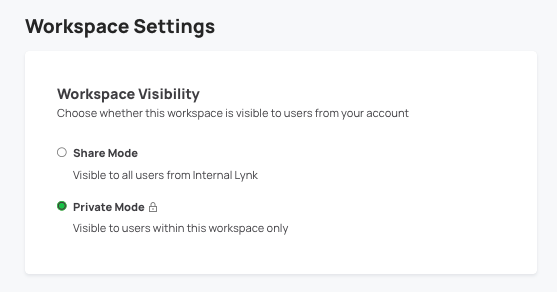
Workspace Owner(s) can change workspace setting from two places:
- From the Settings tab of the workspace
- By editing the Knowledge Request Form from the Overview tab of the workspace
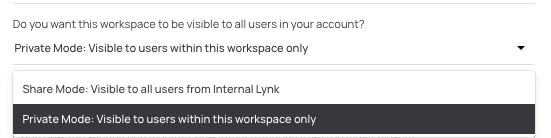
Note: The workspace setting options also depend on the accounts preference. In case you are unable to view the option to toggle between share and private mode, please reach out to your Lynk Account Manager to learn more about your accounts preferences for this feature.
Comments
0 comments
Article is closed for comments.